# Unraveling the Mystery: Choosing Your First Electric Guitar

Thinking of picking up an electric guitar but feeling overwhelmed by the sheer number of options? Many aspiring musicians face this common dilemma. This article will help demystify the process, focusing on key considerations for beginners to find an instrument that inspires practice and growth, rather than frustration.

Understanding Your Budget and Sound Goals

Electric guitars range from a couple of hundred dollars to several thousand. For a beginner, a guitar in the $200-$500 range is often ideal. This budget typically offers instruments with decent playability and electronic components without a huge financial commitment. Think about the type of music you primarily want to play. Do you dream of searing rock solos, smooth jazz chords, or funky rhythm riffs? Different guitar types are often associated with different sounds, though versatility is common. For instance, a Fender Squier Stratocaster is a popular choice for its balanced sound and comfortable feel, great for blues, rock, and pop.

Key Features: Body Style, Pickups, and Neck Comfort

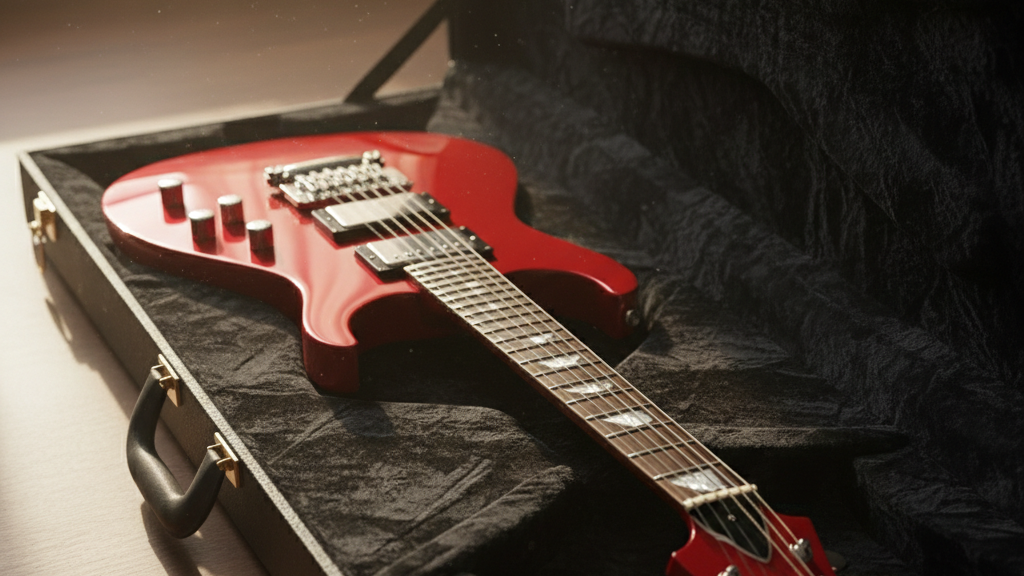
The electric guitar’s body style significantly impacts its feel and sometimes its sound. Solid-body guitars are the most common, like the iconic Fender Stratocaster or Gibson Les Paul. Semi-hollow and hollow-body guitars, while beautiful, are often favored by jazz and blues players and can be more prone to feedback at high volumes. For a beginner, a solid-body is a safe bet. Next, consider pickups – these magnetic devices convert string vibrations into electrical signals. Single-coil pickups (found on Stratocasters) offer a bright, clear sound, while humbuckers (common on Les Pauls) provide a thicker, warmer tone with less hum. Many guitars feature a combination of both for versatility. Finally, neck comfort is paramount. A thin, C-shaped neck is often easier for smaller hands or beginners to navigate. Try holding and “playing” (even if you can’t play notes yet) different neck profiles in a store to see what feels best. Too thick or too thin can quickly become uncomfortable.

Actionable Tips: Try Before You Buy and Factor in Essentials

The single most important tip: go to a local music store and *try* different guitars. Hold them, strum them (even unplugged), and see how they feel in your hands. Don’t be shy – store staff are usually happy to help beginners. This hands-on experience is invaluable and will tell you more than any online review. Also, remember that the guitar is just one part of the equation. You’ll need an amplifier, a cable, and picks to get started. Many manufacturers offer beginner “starter packs” that include a basic guitar, small amp, cable, picks, and sometimes even a gig bag and strap. While these are convenient, be aware that the quality of these components can vary. Sometimes buying a slightly better guitar and a separate small practice amp yields a more satisfying experience in the long run.

Unlocking a Sonic Universe: Choosing Your First Hi-Fi Turntable

Venturing into the world of vinyl can be exhilarating, but for a beginner, selecting the right turntable can feel overwhelming. With countless options and technical jargon, it’s easy to get lost. This guide will cut through the noise, helping you choose your first hi-fi turntable that delivers great sound without breaking the bank or requiring an engineering degree. We’ll focus on key features that matter to a casual listener, ensuring you get a satisfying analog experience from day one.

Understanding the Basics: Manual vs. Automatic

One of the first decisions you’ll face is between a manual and an automatic turntable. Manual turntables require you to physically place the tonearm onto the record and lift it off when the side is finished. This offers a more hands-on experience and often provides better sound quality at a given price point because the cost savings aren’t spent on complex automatic mechanisms. For a beginner who enjoys a tactile approach to their music, a manual turntable is an excellent choice. It fosters a deeper connection with the ritual of vinyl playback.

Automatic turntables, on the other hand, handle the entire process for you – a press of a button initiates playback, and the tonearm returns to its rest at the end of the side. This convenience is undeniably attractive, especially if you prioritize ease of use or have physical limitations. While they might introduce a tiny bit of mechanical noise compared to manual models, for a new listener, the difference is negligible and often outweighed by the convenience. Think about your listening habits: do you want to actively participate in the playback, or prefer a set-it-and-forget-it approach?

Key Feature 1: Built-in Phono Preamp (Crucial for Beginners!)

This is arguably the most important feature to look for as a beginner. A phonograph preamplifier, or “phono preamp,” boosts the tiny signal from the turntable’s cartridge to a level that your amplifier or powered speakers can understand. Many modern turntables, especially those aimed at beginners, come with a built-in phono preamp. This simplifies your setup immensely, as you won’t need to buy a separate phono preamp and connect extra cables. If your amplifier or powered speakers already have a “phono” input, then a turntable without a built-in preamp is fine. However, if they only have “line-level” inputs like “AUX” or “CD,” a built-in phono preamp is essential. Always check your receiver or speaker’s inputs before purchasing.

Key Feature 2: Drive System – Belt vs. Direct

Turntables use one of two main drive systems: belt-drive or direct-drive. Belt-drive turntables utilize a motor that’s separate from the platter, connected by a rubber belt. This design helps isolate the platter from motor vibrations, which can result in a cleaner, more musical sound. They are generally favored by audiophiles for their potentially superior sound reproduction. Most entry-level hi-fi turntables are belt-driven for this reason. The downside is that the belt can wear out over many years and may need replacement.

Direct-drive turntables have the motor directly underneath the platter, spinning it directly. These are often found in DJ setups because they offer quick start-up times and strong torque for scratching. While some high-end direct-drive models exist, entry-level direct-drive turntables might introduce more motor noise into the signal, though this often isn’t noticeable to the casual listener. For pure music listening, especially for a first turntable, a belt-drive system is often the recommended path for its audio benefits and vibration dampening qualities.

Setting Up Your Oasis: Practical Tips

Once you’ve chosen your turntable, setting it up correctly is crucial for optimal sound and longevity. First, find a stable, level surface that isn’t prone to vibrations. A dedicated audio stand or a sturdy shelf is ideal. Avoid placing it directly on top of your speakers, as vibrations can cause feedback. Second, balance your tonearm and set the tracking force correctly. This might sound intimidating, but it’s usually straightforward with clear instructions in your turntable’s manual. Incorrect tracking force can damage your records and stylus, so take your time with this step. Many affordable turntables come with a pre-adjusted tonearm, making setup even easier. Finally, ensure all cables are securely connected. Good, shielded RCA cables are a worthwhile investment to minimize interference. With these simple considerations, you’ll be enjoying your vinyl collection in no time.

Untangling the Wires: A Beginner’s Guide to Connecting Your First Home Theater System

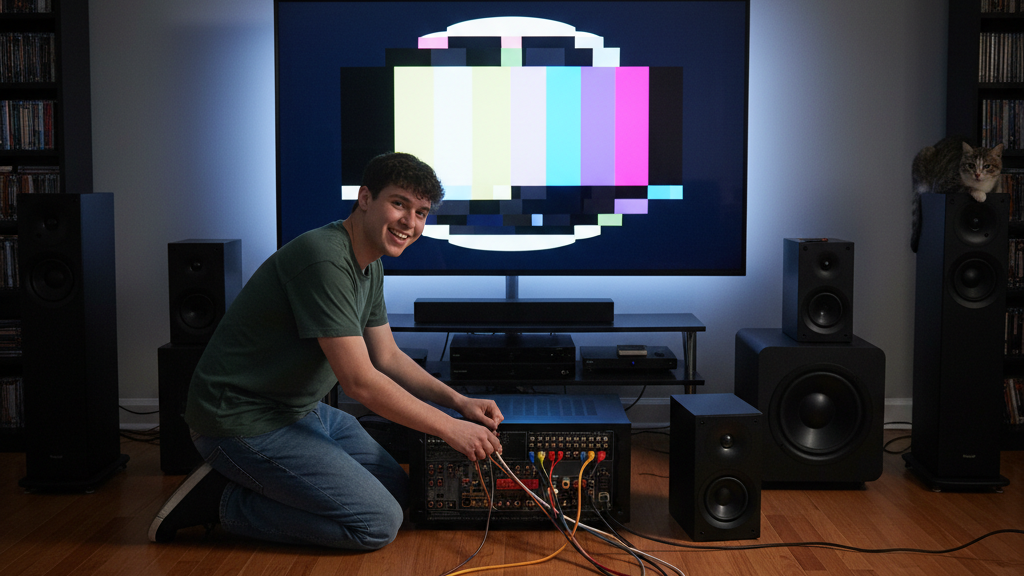
So, you’ve decided to upgrade your movie nights and immerse yourself in glorious surround sound. You’ve unboxed your new receiver, speakers, and maybe even a subwoofer, and now a spaghetti monster of cables stares back at you. Don’t panic! Connecting your first home theater system might seem daunting with all those ports and plugs, but it’s much simpler than it looks. This guide will walk you through the essential steps to get your system up and running, focusing on common connections and practical tips for a seamless setup, without drowning you in technical jargon.

HDMI: Your Home Theater’s Best Friend

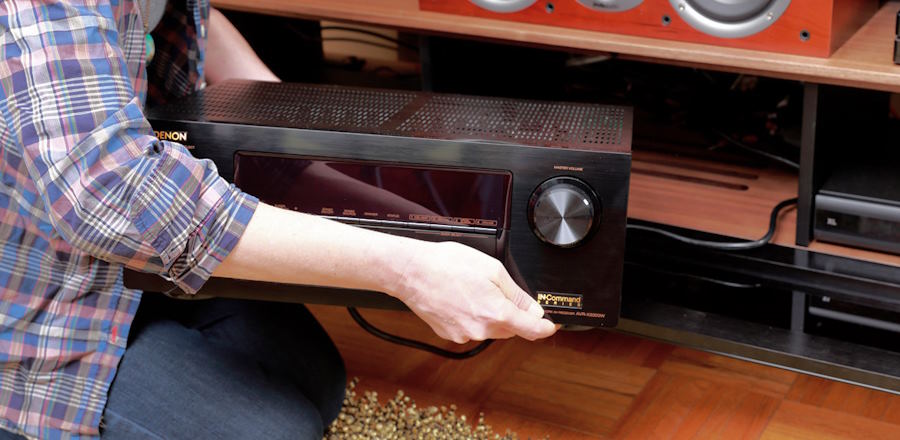
When it comes to modern home theater connections, HDMI (High-Definition Multimedia Interface) is king. It simplifies wiring significantly because it carries both high-quality video and multi-channel audio within a single cable. Think of it as a super-highway for all your media signals. For most beginner setups, you’ll primarily use HDMI to connect your source devices (like a Blu-ray player, streaming stick, or game console) to your AV receiver, and then one HDMI cable from your AV receiver to your TV. This centralized approach means your receiver acts as the hub, processing all the audio and video before sending it to the screen and speakers. For example, if you have a PlayStation and an Apple TV, connect both directly to separate HDMI inputs on your receiver (e.g., “Game,” “Media Player”). Then, run a single HDMI cable from the receiver’s “HDMI Out” port (often labeled “Monitor” or “ARC”) to an available HDMI input on your television. This streamlines your connections and allows you to switch between sources using your receiver’s remote.

Speaker Connections: Polarity Matters!

Connecting your speakers is another crucial step for getting that immersive sound. Most passive speakers (the kind that don’t plug into a wall outlet and need an amplifier/receiver to power them) connect to your AV receiver using speaker wire. This wire typically consists of two strands, often marked with different colors or indicators (like ridges on one side) to denote polarity: positive (+) and negative (-). It’s incredibly important to match these polarities correctly on both the speaker and the receiver. Connect the positive terminal on your speaker (usually red) to the positive terminal on your receiver, and the negative (black) to the negative. Mismatched polarity, even on just one speaker, can lead to thin, distorted sound and a lack of bass. A good practice is to always double-check your connections before powering on your system. Many speaker wires are sold in spools, and you’ll cut them to the desired length. For a cleaner look and better connection, consider using banana plugs for the receiver end, as they make for easier and more secure connections than bare wire.

Subwoofer Setup: Feeling the Bass

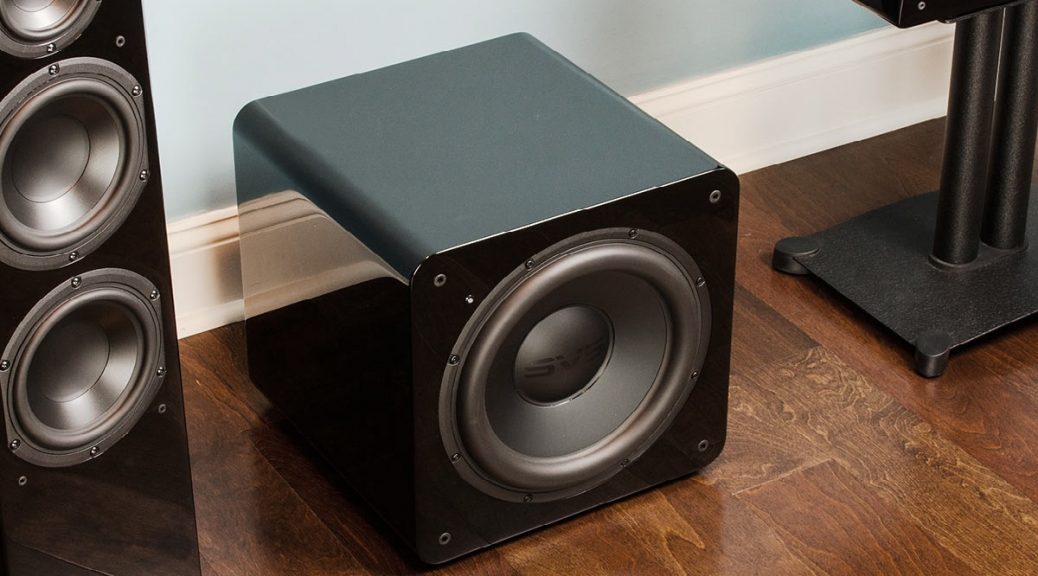
A subwoofer adds that foundational deep bass that truly brings movies and music to life. Connecting a subwoofer is generally straightforward. Most subwoofers connect to your AV receiver using a single RCA cable, often labeled “Subwoofer Out” or “LFE” (Low-Frequency Effects) on the receiver. Plug one end into this output on your receiver and the other end into the “LFE In” or “Line In” port on your subwoofer. Once connected, you’ll likely need to adjust the subwoofer’s volume and crossover frequency on the subwoofer itself or through your receiver’s settings. A good starting point for crossover is around 80 Hz, which means frequencies below 80 Hz will be handled by the subwoofer, while your main speakers handle the rest. Experiment with the volume control on the subwoofer until the bass blends seamlessly with your other speakers, rather than sounding boomy or overpowering. Remember, the goal is to enhance the overall sound, not to make the subwoofer the sole focus. Many modern receivers also offer automatic room calibration features (using a microphone you place in your listening position) that can precisely set your subwoofer’s levels and crossover for optimal performance. Don’t skip this step if your receiver offers it!

Unlocking Perfect Home Audio: A Beginner’s Guide to Speaker Placement

Ever wonder why your new home theater speakers don’t sound quite like the demo show in the store? The secret often lies not in the speakers themselves, but in where you put them. For beginners and casual users setting up their first home audio system, proper speaker placement can be a game-changer, transforming an okay listening experience into an immersive one. This article will guide you through the basics of positioning your speakers to get the best possible sound from your setup, focusing on a typical stereo or 2.1 system (two main speakers and a subwoofer).

The Golden Triangle: Stereo Speaker Sweet Spot

For a traditional stereo (two-speaker) setup, the goal is to create what audio enthusiasts call the “sweet spot” – a listening position where the soundstage is balanced and clear. Imagine an equilateral triangle: your two speakers form two corners, and your primary listening position (e.g., your sofa) forms the third. The distance between your speakers should ideally be roughly the same as the distance from each speaker to your listening position. For example, if your sofa is 8 feet from the TV, try placing your left and right speakers about 8 feet apart, equidistant from the TV. This ensures a balanced stereo image, where sounds appear to come from distinct locations, just as the audio engineer intended.

Actionable Tip: Experiment! Start with the equilateral triangle and then slightly adjust the toe-in (the angle speakers are pointed at your listening position). Often, a slight toe-in, where the speakers are angled inward so their sound paths cross just in front of your head, can improve imaging and detail. Don’t be afraid to move them a few inches at a time and listen for the difference.

Subwoofer Secrets: Finding the Bass Beat

Unlike stereo speakers, subwoofers (the dedicated bass-producing speaker) don’t require the same “sweet spot” precision because low frequencies are less directional. However, their placement significantly impacts bass quality and impact. A common beginner mistake is to simply tuck the subwoofer into a corner. While this can sometimes boost bass volume due to “room gain,” it often leads to boomy, indistinct bass that can overpower other sounds. Instead, try the “subwoofer crawl” method. Place the subwoofer in your primary listening position and play some bass-heavy music. Then, crawl around the room listening for where the bass sounds best – the most balanced and tight. Once you find that spot, place your subwoofer there. It might be surprising to find it’s not tucked away in a corner!

Key Technical Consideration: Bass frequencies interact significantly with room boundaries. Experimenting with distance from walls is crucial. Moving a subwoofer just a foot or two can dramatically change how the bass sounds in your room due to standing waves and room modes. Also, consider placing isolation pads (like rubber feet or a small platform) under your subwoofer to decouple it from the floor, reducing unwanted vibrations that can muddy the sound.

Optimizing for Room Acoustics and Safety

Even with perfect speaker placement, your room’s acoustics play a huge role. Hard surfaces like bare walls and large windows can cause echoes and reflections, blurring the sound. Conversely, too many soft furnishings can absorb high frequencies, making the sound dull. A balanced approach is best. Consider adding rugs, curtains, or even strategically placed bookshelves to help absorb reflections without over-dampening the sound. For safety and durability, ensure all speaker cables are neatly tucked away or secured to prevent tripping hazards. Speaker stands should be stable and solid, especially for taller or heavier speakers, to prevent accidental toppling. Good cable management also contributes to a cleaner aesthetic and longevity of your equipment.

Usage Tip: After placing your speakers, use your receiver’s or amplifier’s auto-calibration feature (if available). Most modern AV receivers have a microphone that helps them analyze your room’s acoustics and automatically adjust speaker levels, delays, and equalization (EQ) for optimal sound. This is an excellent tool for beginners to fine-tune their setup with minimal effort, providing a solid baseline from which to make further manual adjustments if desired. Remember, the goal is to enjoy your music and movies, so trust your ears as the ultimate judge.

Mastering the DSLR: Your First Steps to Stunning Photography

Embarking on the journey of DSLR photography can feel overwhelming with a myriad of settings and technical jargon. This article cuts through the complexity, focusing on fundamental concepts that will empower beginner photographers to confidently capture sharp, well-exposed images. We’ll explore how to demystify your camera’s core controls, ensuring your first shots are not just snaps, but impactful photographs.

Understanding the Exposure Triangle: Aperture, Shutter Speed, and ISO

The heart of photography lies in controlling how much light reaches your camera’s sensor. This is achieved through the “Exposure Triangle” – three interconnected settings: Aperture, Shutter Speed, and ISO. Understanding their individual roles and how they work together is crucial.

Aperture: Controlling Depth of Field

Aperture refers to the size of the lens opening that lets light into the camera. It’s measured in f-stops (e.g., f/1.8, f/5.6, f/22). A smaller f-number means a wider aperture, letting in more light and creating a shallow “depth of field.” This means your subject will be sharp, and the background beautifully blurred (a popular effect for portraits). Conversely, a larger f-number signifies a narrower aperture, allowing less light but keeping more of the scene in focus (ideal for landscapes). Experiment by taking two identical photos, one at f/2.8 and another at f/11, focusing on the same object in your garden. Notice how the background changes.

Shutter Speed: Freezing or Blurring Motion

Shutter speed is the duration the camera’s shutter remains open, allowing light to hit the sensor. Measured in fractions of a second (e.g., 1/1000s, 1/60s, 2s), it directly impacts how motion is portrayed. A fast shutter speed (like 1/500s or faster) will freeze fast-moving subjects, perfect for sports or capturing children at play. A slow shutter speed (e.g., 1/30s or slower) can create intentional motion blur, ideal for flowing water or light trails at night. Try photographing a fan spinning at different shutter speeds; you’ll see the blades go from sharp to a silky blur.

ISO: Light Sensitivity and Image Noise

ISO determines your camera’s sensitivity to light. A lower ISO (e.g., 100 or 200) produces cleaner images with less “noise” (graininess), but requires more light. A higher ISO (e.g., 1600 or 3200) is useful in low-light situations, allowing you to get a brighter exposure without a flash, but at the cost of increased noise. Think of it as a volume knob for light; turn it up in the dark, but expect some static. For best quality, always aim for the lowest ISO possible in any given lighting condition.

Putting It All Together: Practice and Practical Tips

The key to mastering these concepts is practice. Start by setting your DSLR to “Aperture Priority” (often denoted as ‘Av’ or ‘A’ on your mode dial) to control depth of field, letting the camera handle shutter speed. Once comfortable, switch to “Shutter Priority” (‘Tv’ or ‘S’) to experiment with motion. Finally, venture into “Manual Mode” (‘M’) to take full control of all three elements. A great exercise is to capture the same subject in varying lighting conditions, adjusting aperture, shutter speed, and ISO to achieve a balanced exposure. Remember, your camera’s light meter (often displayed as a numerical scale in your viewfinder) is your best friend in manual mode – aim for the center for a balanced exposure.

Two essential tips for beginners: First, always think about your light source. Is it bright and direct, or soft and diffused? This dictates your initial ISO and aperture choices. Second, don’t be afraid to make mistakes! Every blurry photo or overexposed shot is a learning opportunity. Review your images, identify what went wrong, and adjust your settings for the next attempt. Many DSLRs also have creative picture modes, but understanding the exposure triangle will give you the foundational knowledge to truly elevate your photography beyond automatic settings, leading to images you’ll be proud to share.

Upgrading Your Home Theater: When to Invest in a New AV Receiver

With each passing year, we witness remarkable strides in audio and video technologies, making the decision to upgrade your AV receiver a compelling consideration. Home theaters today are capable of delivering cinematic experiences right in the comfort of your living room, and the AV receiver plays a pivotal role in shaping that experience. Continue reading Upgrading Your Home Theater: When to Invest in a New AV Receiver